Branded client portals
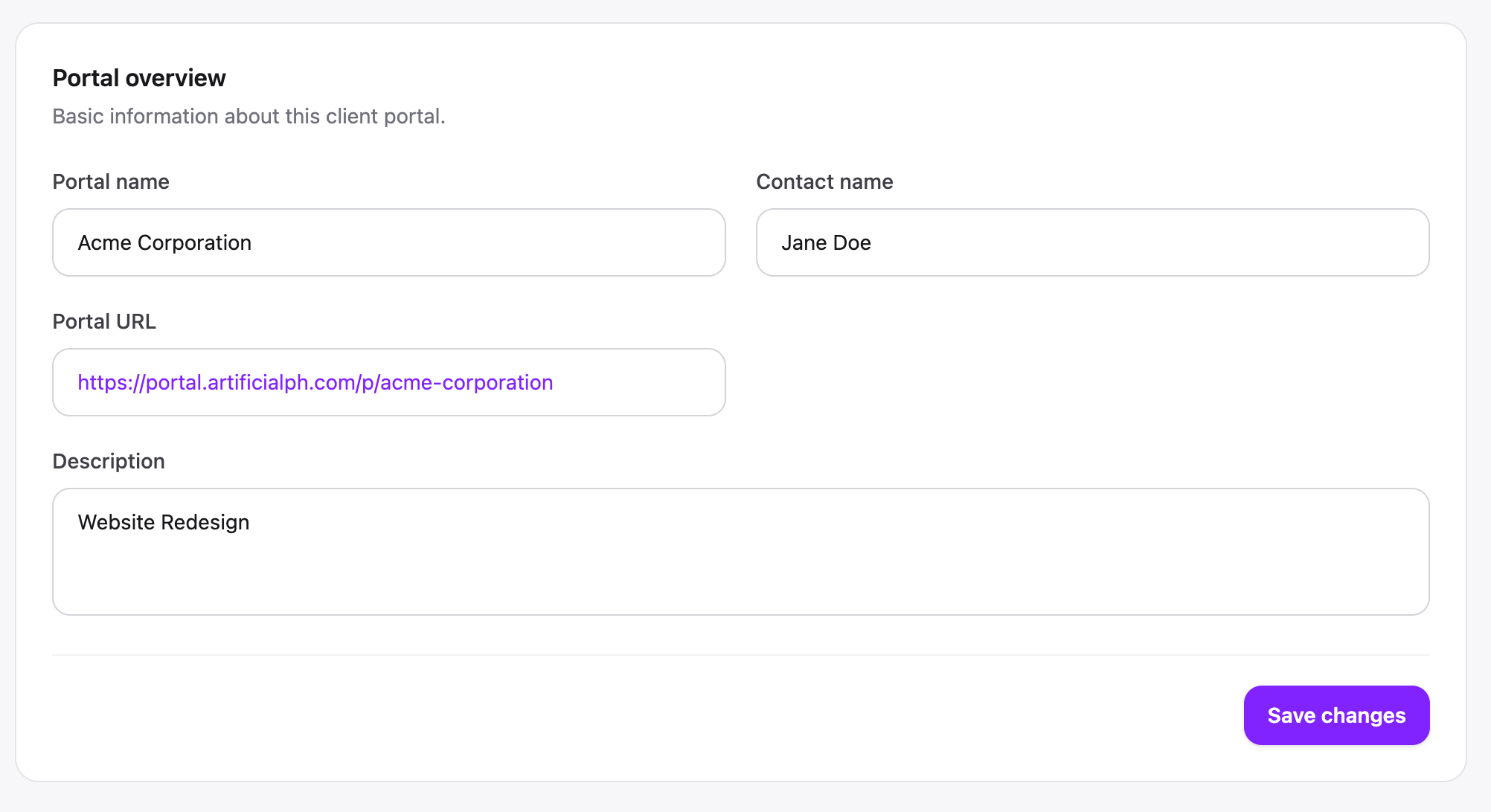
Create a dedicated workspace for every client with their own portal, branding, contact details and client-facing configuration.
ClientDoq turns your ClickUp projects into a polished, client-facing workspace — so clients can follow progress, send requests, comment on work and stay aligned without stepping into your internal workspace.
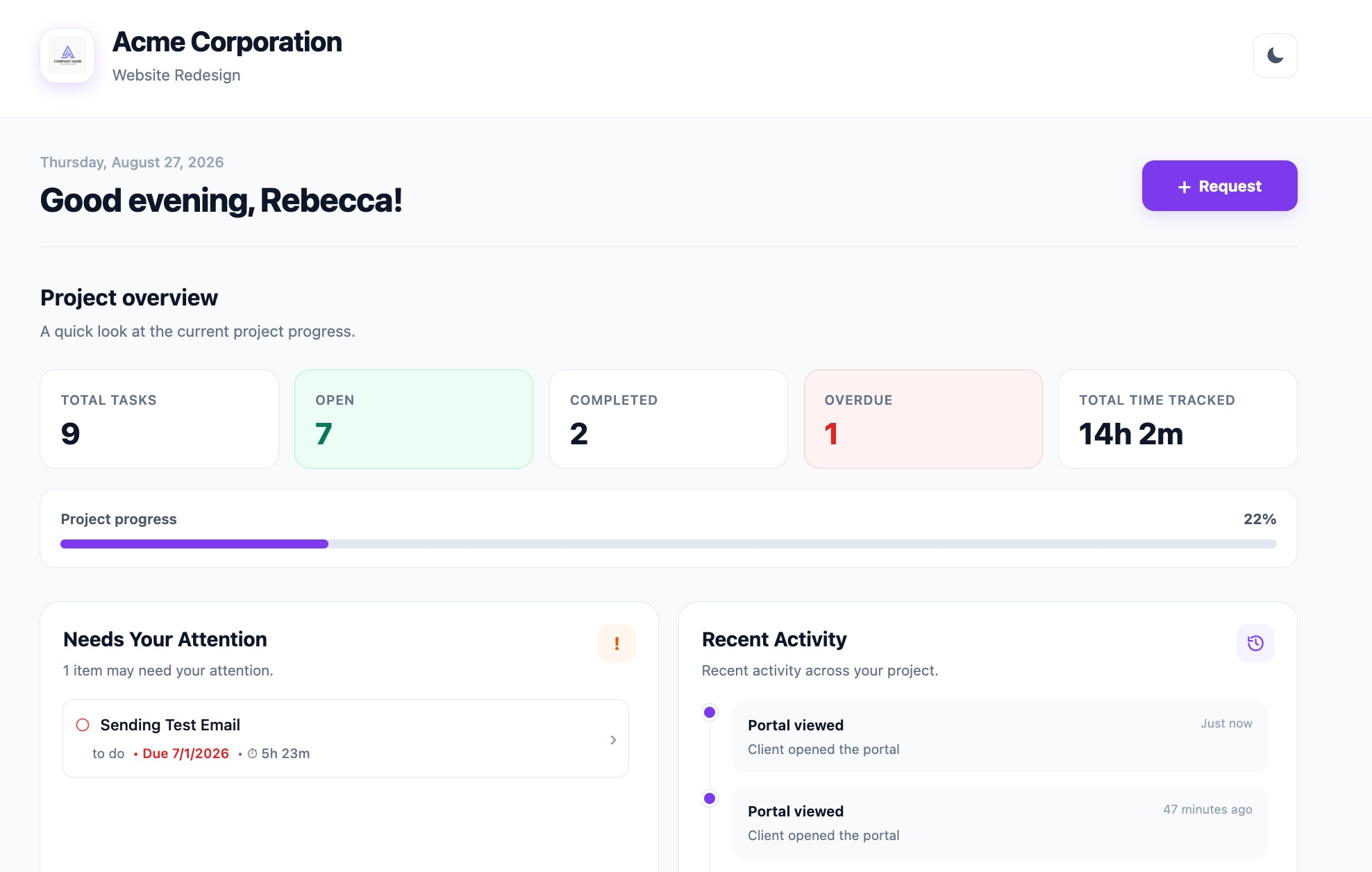
ClientDoq brings the client-facing pieces together while your team keeps working in the tools they already know.
Create a dedicated workspace for every client with their own portal, branding, contact details and client-facing configuration.
Share selected ClickUp spaces, lists and tasks without exposing everything in your internal workspace.
Let clients submit requests directly from their portal. Requests can flow back into a ClickUp list for your team to action.
Keep project communication attached to the work, with client-visible comments synchronized with the workflow behind the scenes.
Give clients visibility into tracked work and project time where you choose to expose it.
Surface project progress and status in a simple client-friendly view instead of asking clients to interpret an internal task system.
Connect ClickUp once, then decide exactly what each portal can access. Select workspaces, spaces, lists and tasks while keeping your internal ClickUp structure private.
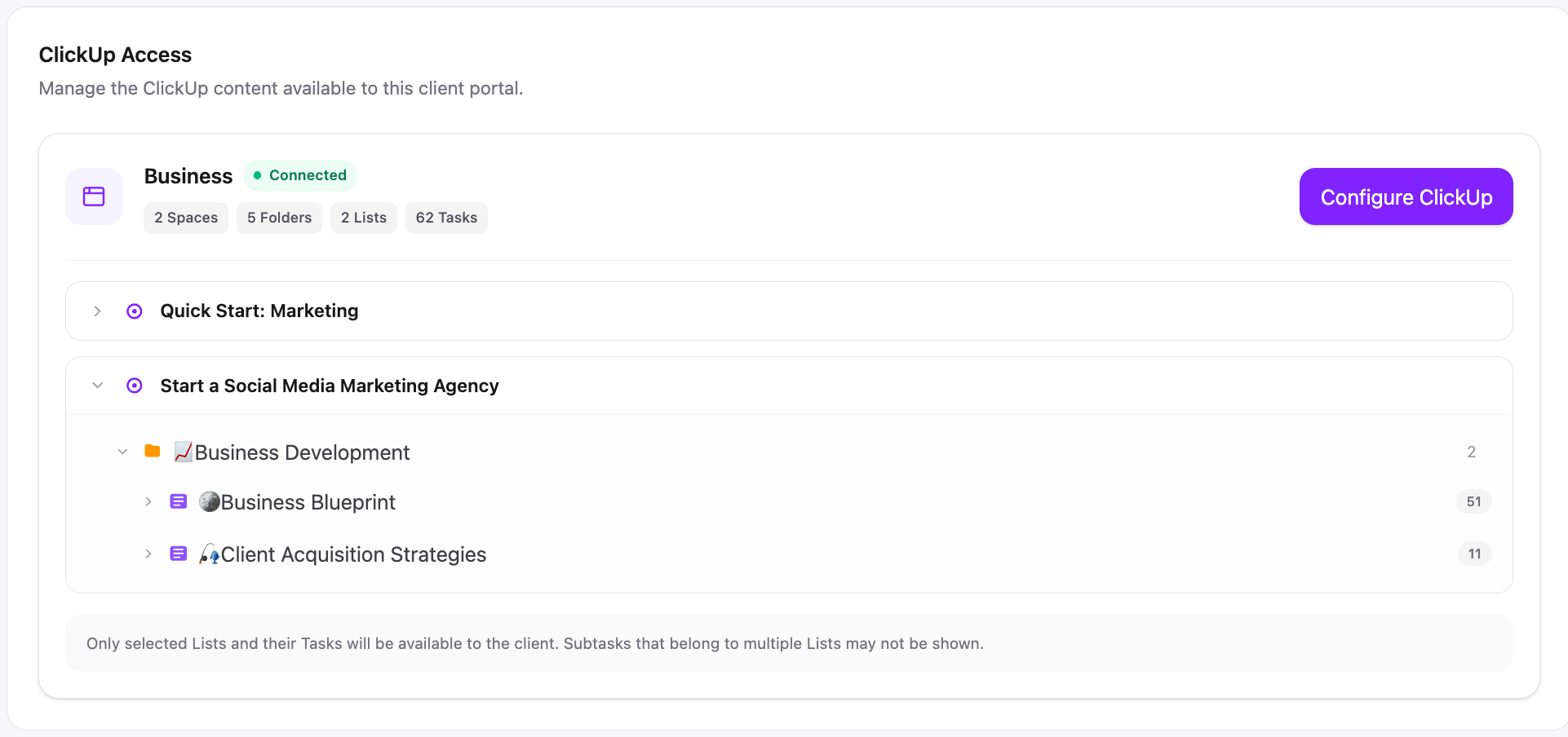
These are real ClientDoq interfaces from the product — not stock mockups.
Give every client a focused workspace with project context, progress, shared work and the actions they actually need.
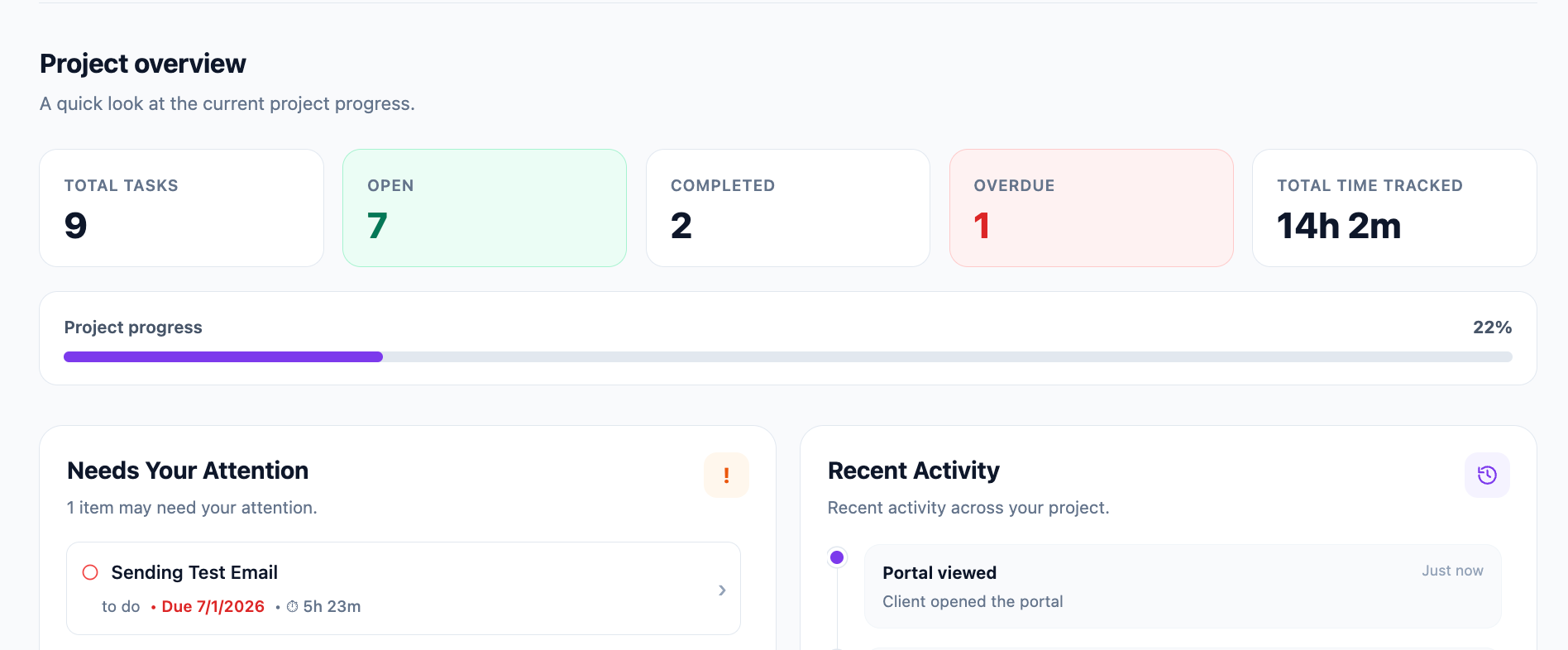
ClientDoq sits on top of your existing ClickUp setup. Connect your workspace and configure the client-facing layer without rebuilding your workflow.
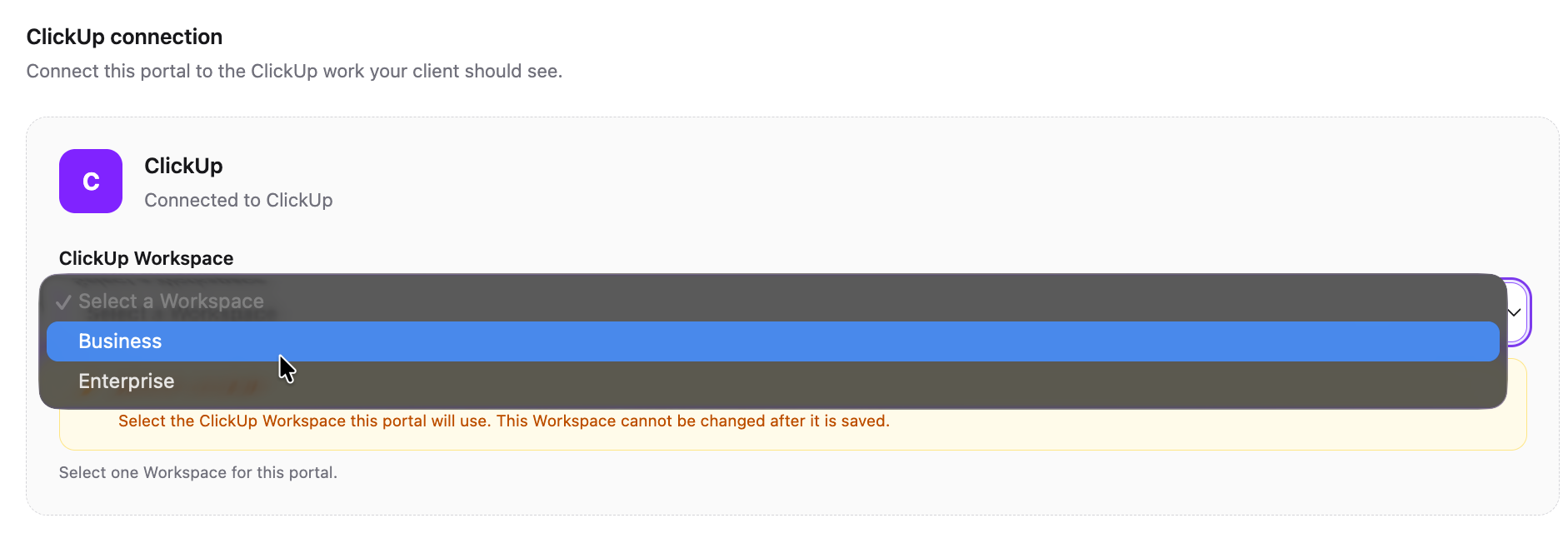
Set the client name, portal URL, description and presentation from one place.
Project progress and tracked time give clients useful context without the noise of an internal workspace.
Authorize the ClickUp workspace you already use to manage client work.
Create a client portal and configure its branding, visibility and shared work.
Select the spaces, lists and tasks your client should be able to see.
Send them their portal link and let ClientDoq handle the client-facing experience.
Your team can keep the ClickUp workspace, terminology and process that works internally. ClientDoq gives clients a cleaner layer built around their needs.
Build your first portal →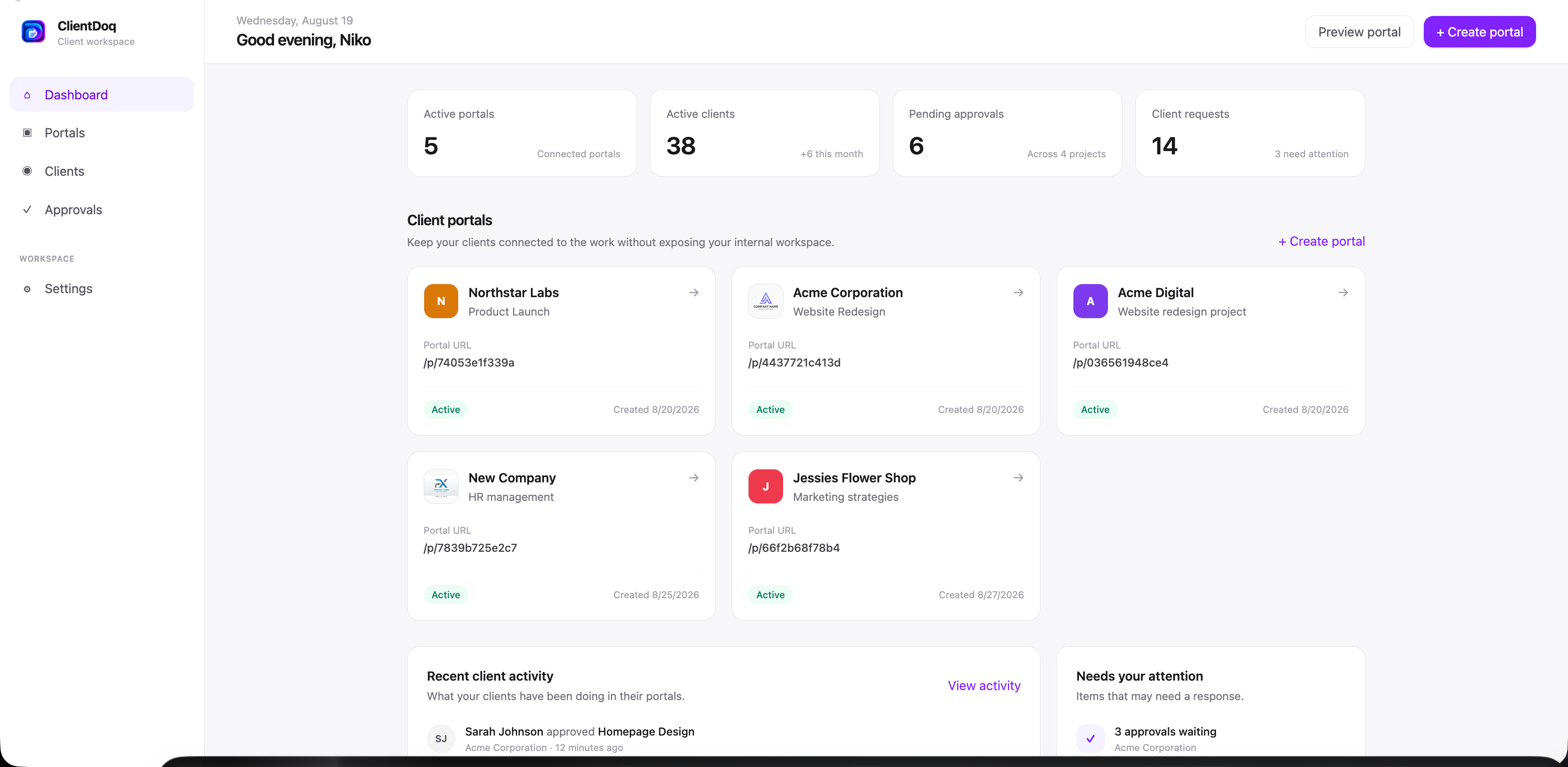
No. ClientDoq is designed to give clients a separate client-facing experience while your team continues managing the work in ClickUp.
Yes. ClientDoq is built around selective sharing. Configure the portal and choose the ClickUp work that should be visible to that client.
Yes. Client requests can be submitted from the portal and routed into a configured ClickUp list so your team can action them in the workflow.
No. ClientDoq complements ClickUp by providing the client-facing layer. Your internal team keeps the project management system they already use.
Create a client workspace and give your next project a better front door.
Get started with ClientDoq →